
Look them in the eye.
Your script sits right under the camera, so you can look at your audience and still say exactly what you planned.
You know the look. Eyes on the notes, up at the lens, back down again. The people watching notice every time. Not anymore.
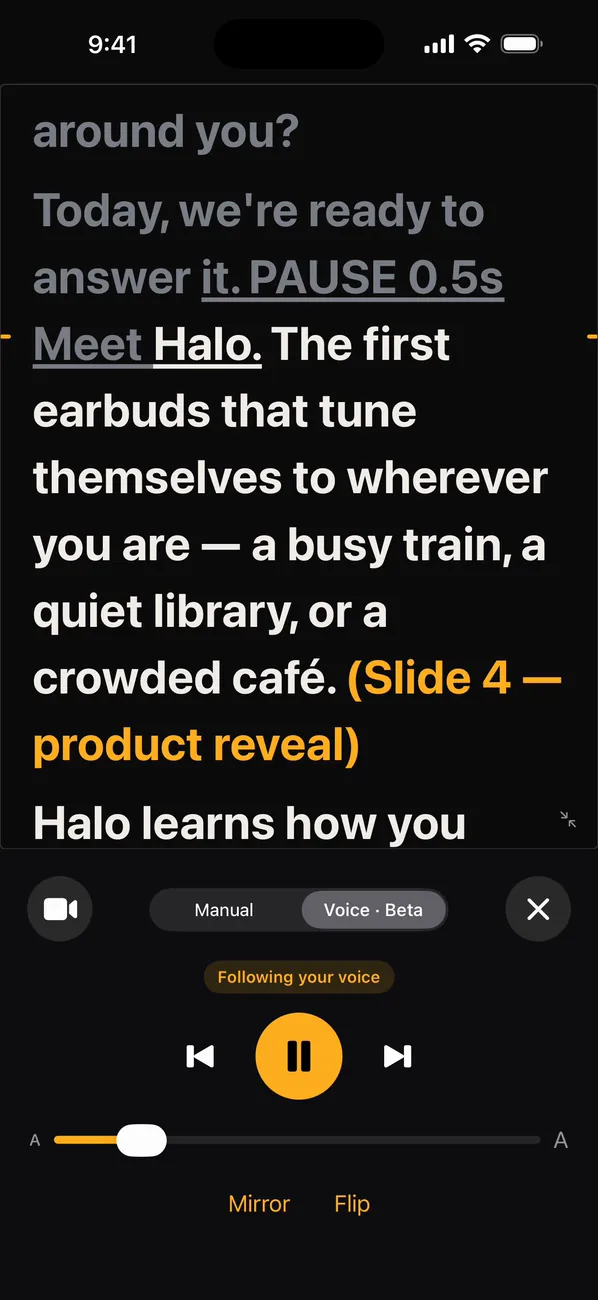
It follows your voice.
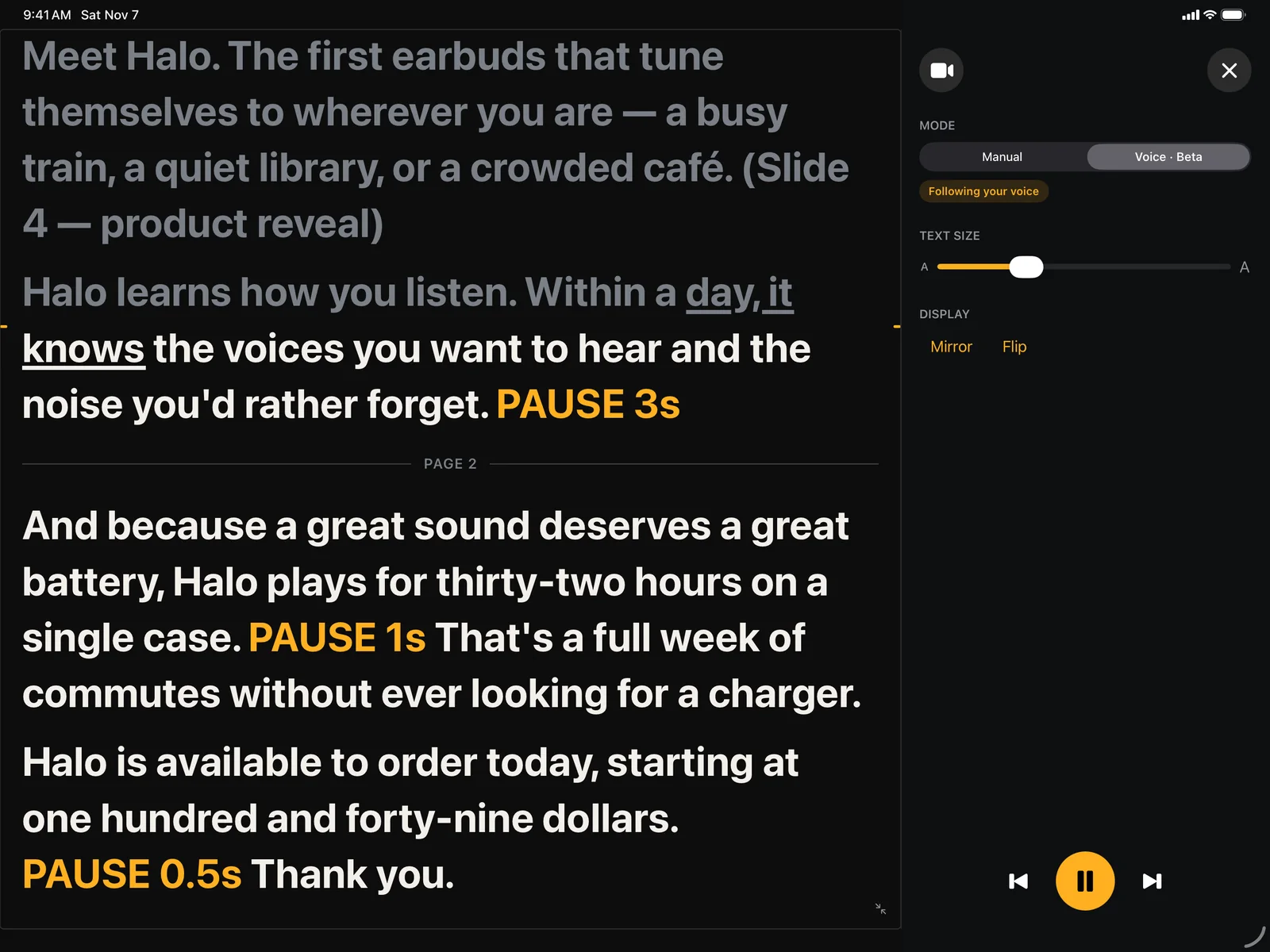
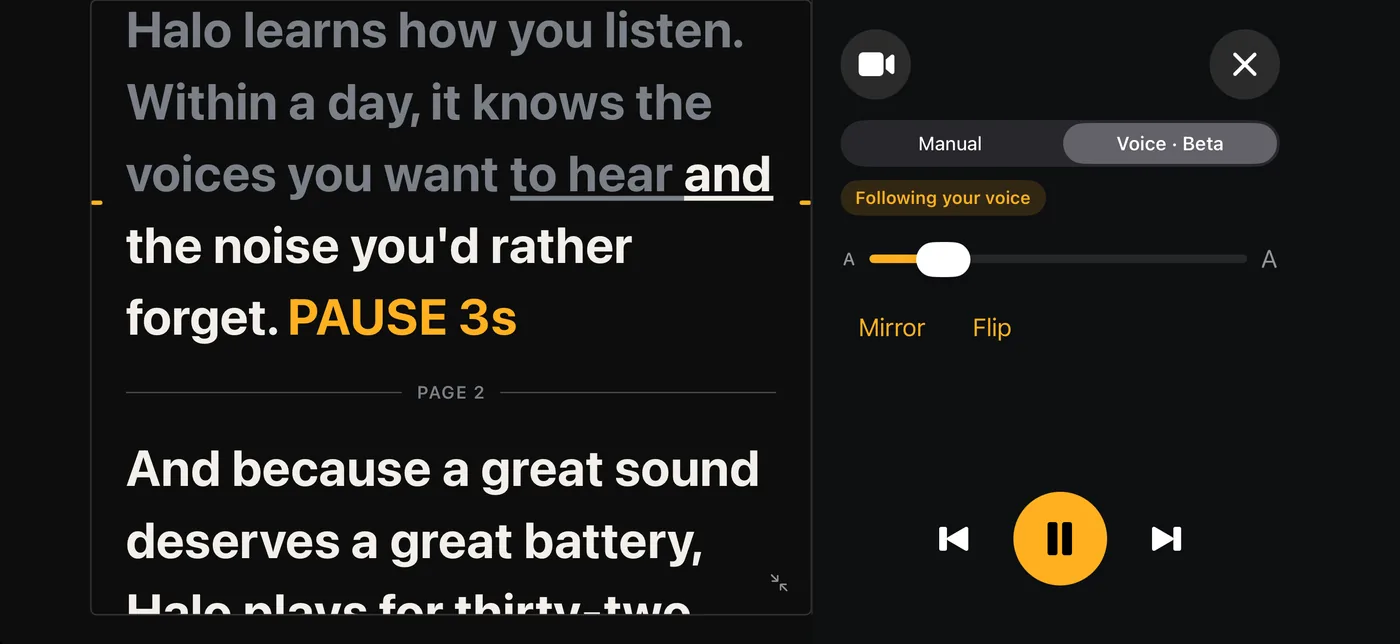
Turn on Voice and the script moves as you speak. Take a breath, slow down, wander off the page for a moment: it waits, then picks you back up. Speech is recognized on your device and never leaves it.
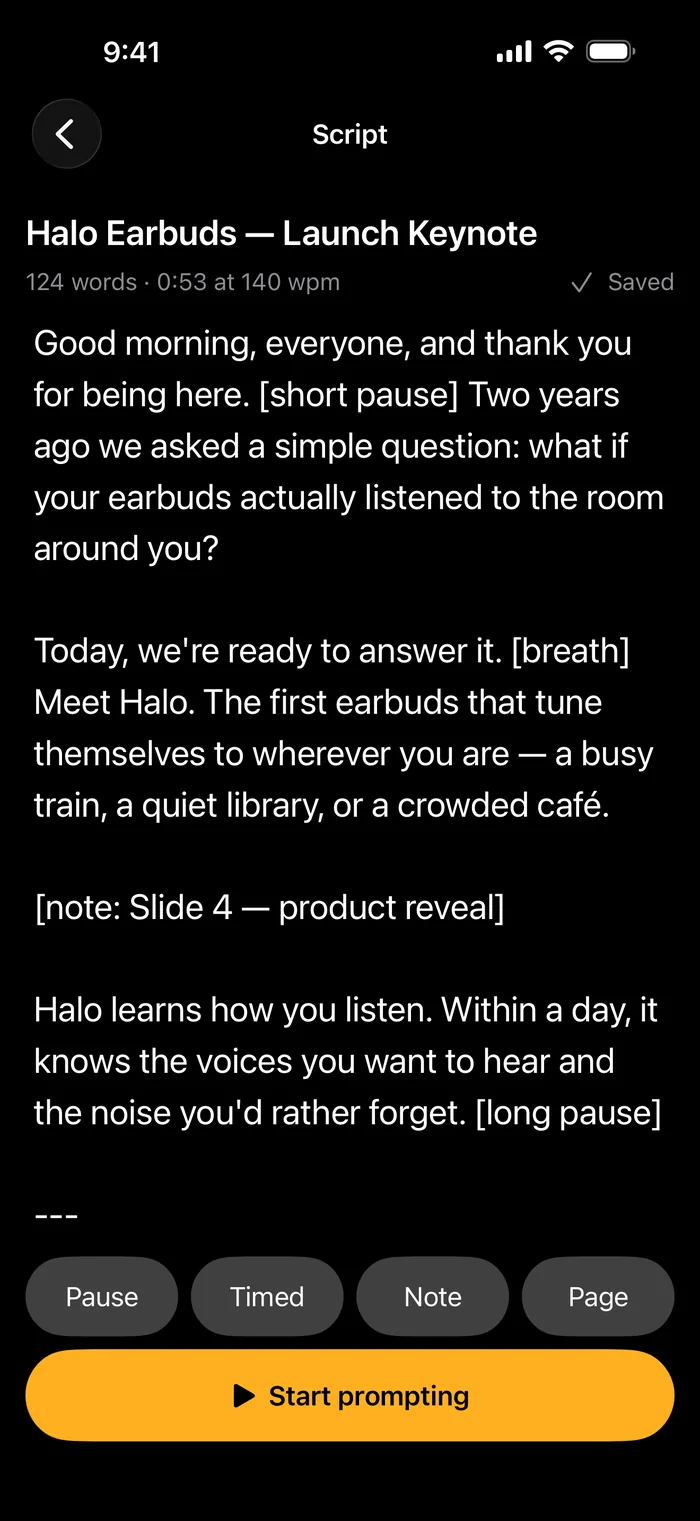
Write it the way you'll say it.
A beat here PAUSE 1s a breath before the big line PAUSE 0.5s a reminder to yourself (slide 4) and a fresh page for the next part.
Type [short pause], [breath] or [note: slide 4] and the prompter shows it as a marker. Three dashes start a new page. Import a Word document or PDF, or paste from anywhere.
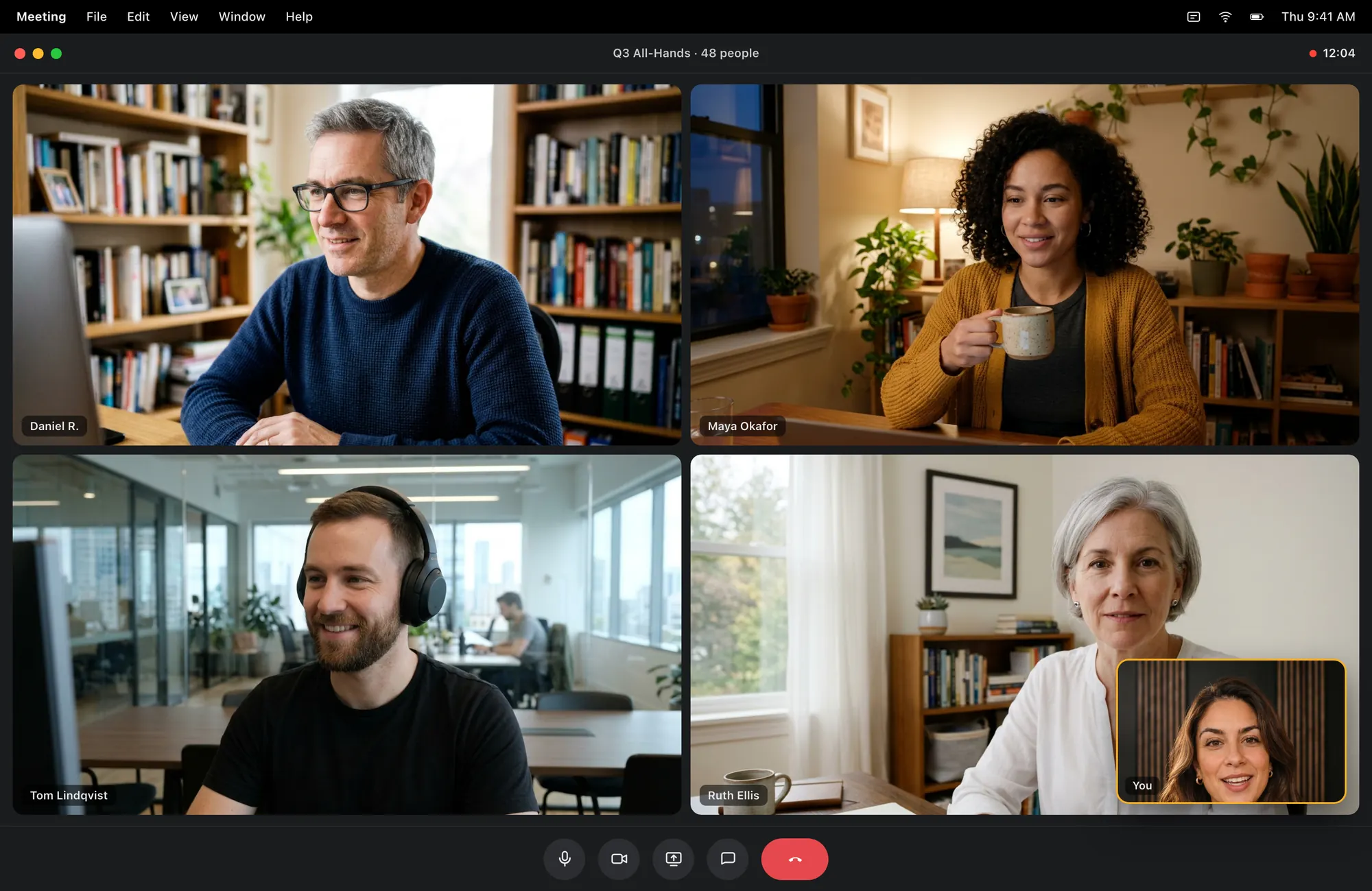
On a call, right under your camera.
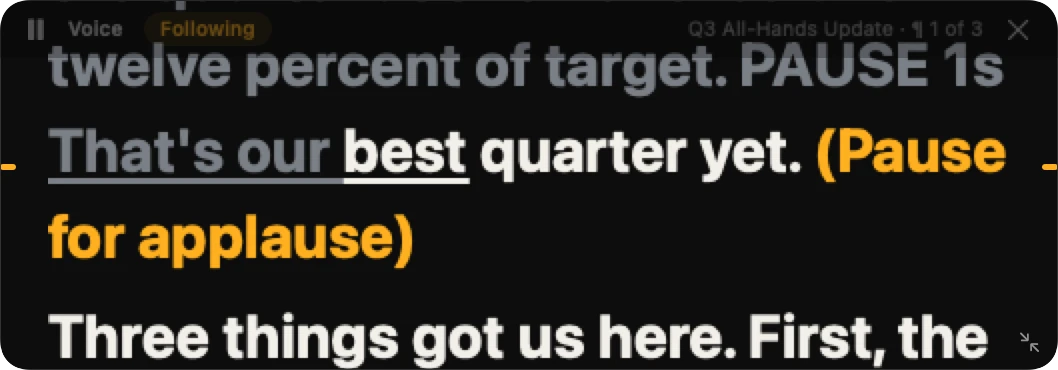
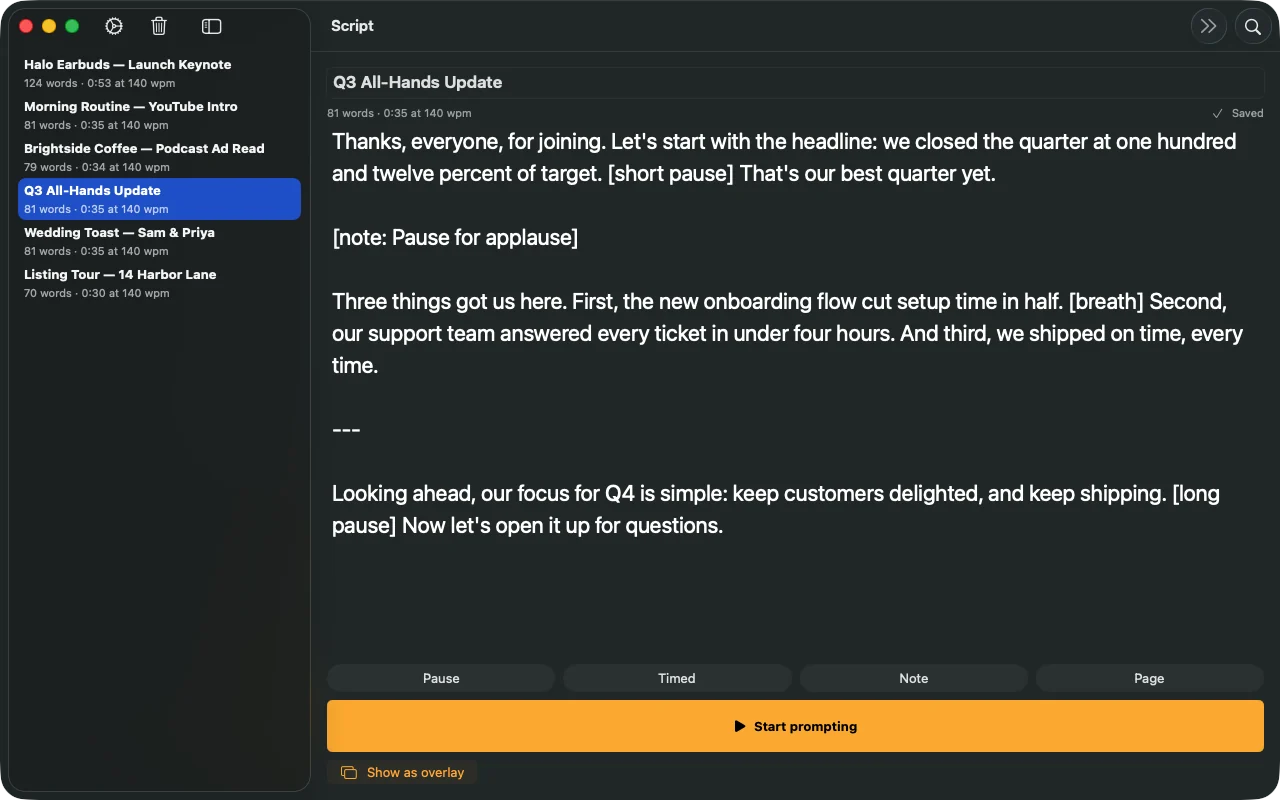
Choose Show as overlay and a small prompter sits just below the notch, on top of your call or your slides. Share your screen and only you can see it. It never takes focus from the app you're presenting in, it follows your voice, and it waits in the menu bar when you don't need it.
- Hidden from your audience when you share your screen
- Click-through, so it ignores the mouse while you read
- Drag it anywhere and resize it from the corner
- Present full screen on a second display
Hit record. Keep your eyes up.
The script stays just under the lens while you film, so every take looks straight at your audience.
- Countdown and timerA countdown before you start and a clock while you go.
- Takes stay with youSaved on your device, never on our servers.
- 4K with ProWhere your camera supports it.
- Every take, ready to usePro keeps a library of takes, records from any paragraph and makes captions from your script.
One script on every screen.
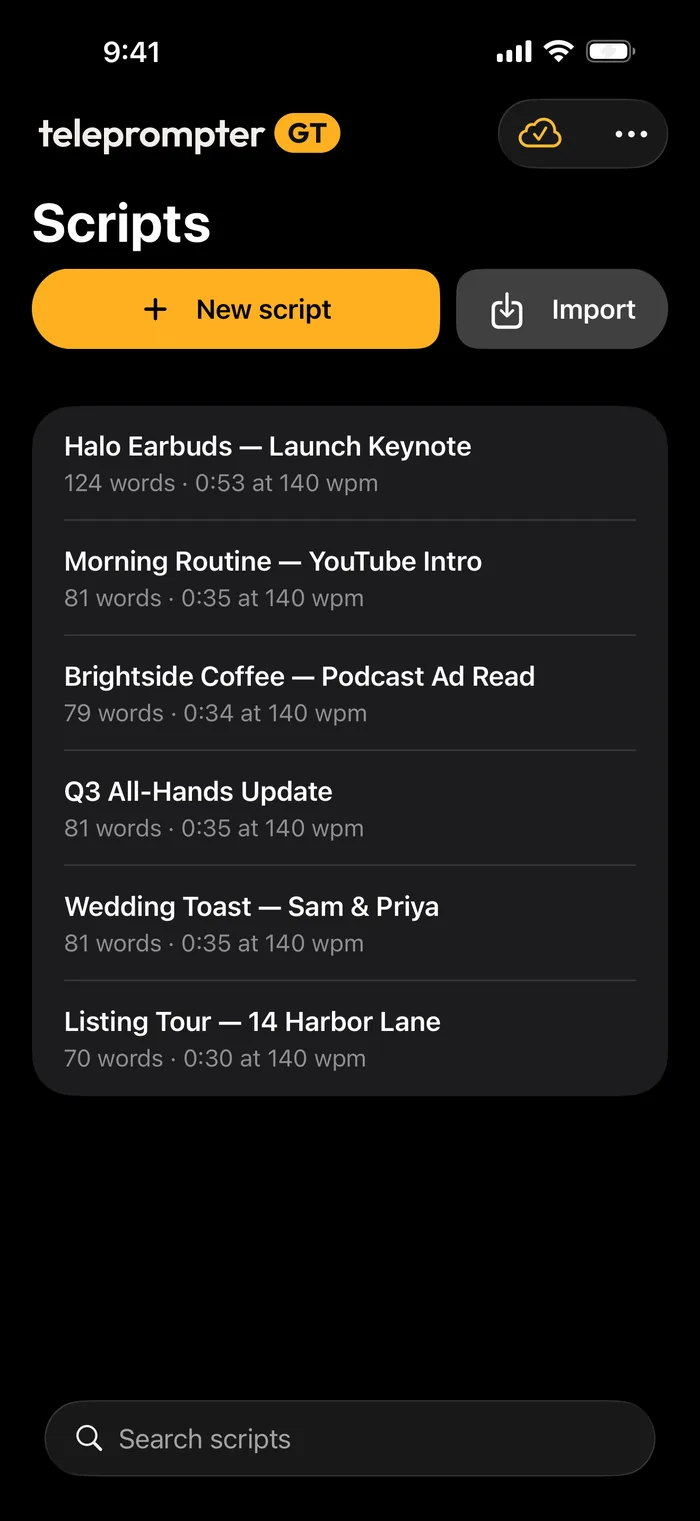
Write on iPhone, rehearse on iPad, and on Mac, Pro tucks a small prompter right under your camera. Pro keeps your scripts in sync between all three.
- A landscape side panel when you need room
- Mirror and flip for glass prompter rigs
- External displays for the big screen
- Remotes, foot pedals and keyboard shortcuts
Free to start. Pro when you're ready.
Free
Everything you need to try it
- Scripts up to 200 words
- Takes up to one minute, no watermark
- Manual and voice scrolling
- Cues, countdown, mirror and flip
Pro
$4.99 a month, or $29.99 a year with the first 7 days free
- Scripts and takes of any length
- Sync across iPhone, iPad and Mac
- The Mac prompter under your camera, hidden from screen shares
- 4K recording, a takes library and captions
- Word and PDF import
- External displays and prompter rigs
No ads, no tracking, no weekly plans. The free trial is for new subscribers; prices are in US dollars and the App Store shows yours. How we handle your data.
Frequently asked questions
Is Teleprompter GT free?
Yes. The free version prompts scripts up to 200 words and records takes up to a minute, with no watermark. Pro removes the limits for $4.99 a month or $29.99 a year, and the annual plan starts with a 7-day free trial.
Can I use it on Zoom, Google Meet or Teams calls?
Yes, on Mac. Pro puts a small prompter just under your camera, on top of your call. When you share your screen, the people on the call don't see it.
How does voice-follow work?
Turn on Voice and the script scrolls as you speak, waiting when you pause or go off script. Your speech is recognized on your device and never leaves it. Voice-follow is in beta.
Which devices does it run on?
iPhone and iPad with iOS 26 or iPadOS 26 or later, and Mac with macOS 26 or later. Pro keeps your scripts in sync between them.
Does it work with a remote or foot pedal?
Yes. Bluetooth remotes, foot pedals and keyboards can play, pause, change speed and move between paragraphs. You choose which button does what in Settings.
Can I import a script from Word or a PDF?
Anyone can paste a script or import plain text, Markdown or RTF. Pro also imports Word documents and PDFs.
Your turn.
Paste a script, press play and read it out loud. Keep your eyes on the line.
Coming soon
Teleprompter GT is coming to the App Store for iPhone, iPad and Mac. Join the waitlist and on launch day we’ll email you a one-time code for a month of Pro, free.
One email on launch day with your code, then we delete your address. After the free month, Pro renews at $4.99 a month unless you cancel. Privacy